Open OnDemand
Open OnDemand (OOD) provides a web-based portal to the Fred Hutch high-performance computing (HPC) environment. It allows you to manage files, get shell access, and run interactive applications like RStudio and Jupyter directly from your browser, without needing to install client software or configure SSH.
Accessing Open OnDemand
You can access the portal at: https://openondemand.fredhutch.org
Note: If you are accessing Open OnDemand from outside the campus network, you must first connect via VPN or use the Island Browser.
Key Features
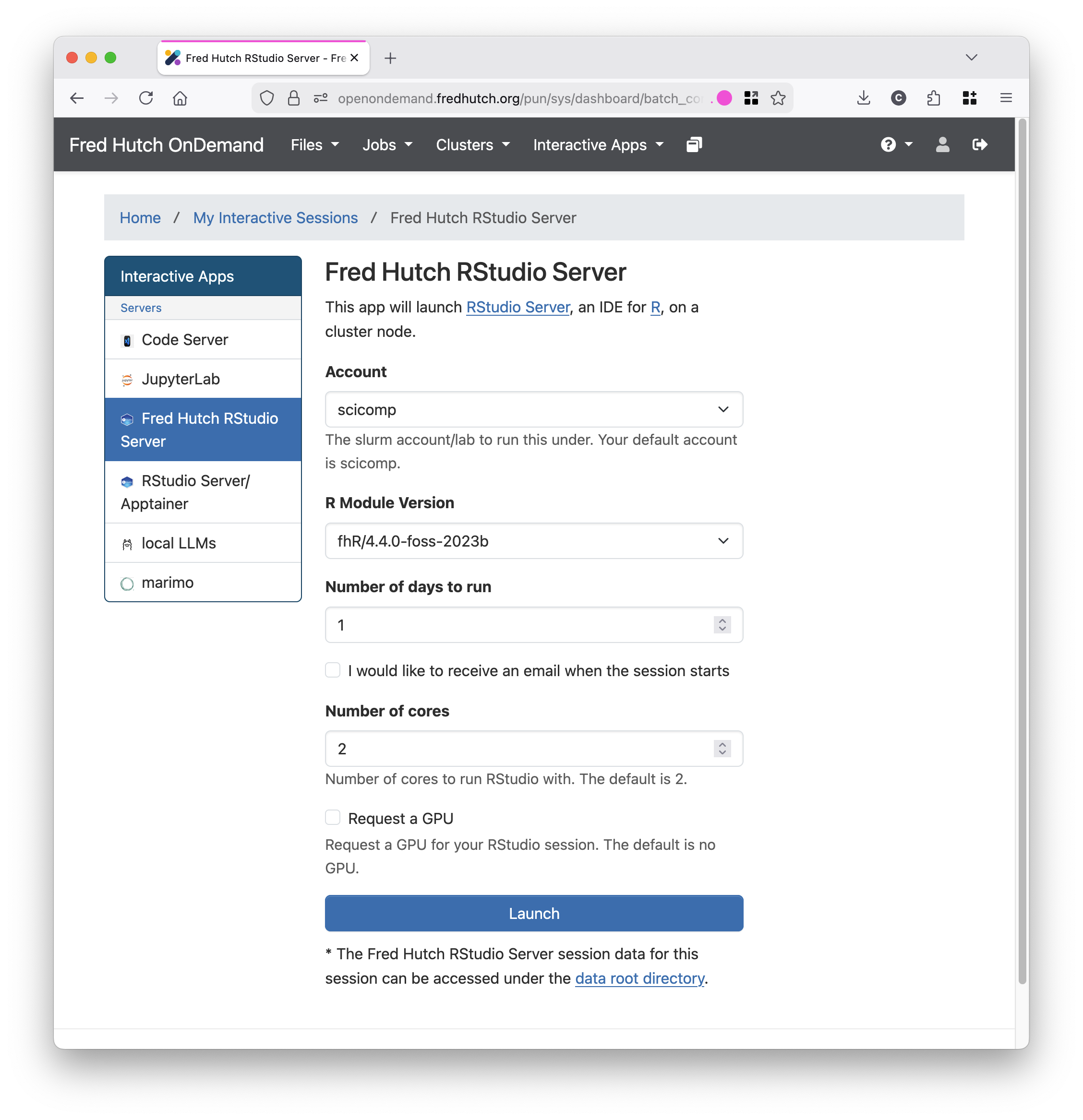
Interactive Apps
Launch graphical applications such as RStudio Server and Jupyter Lab directly in your browser. These sessions run on the HPC cluster, providing access to our computational resources.
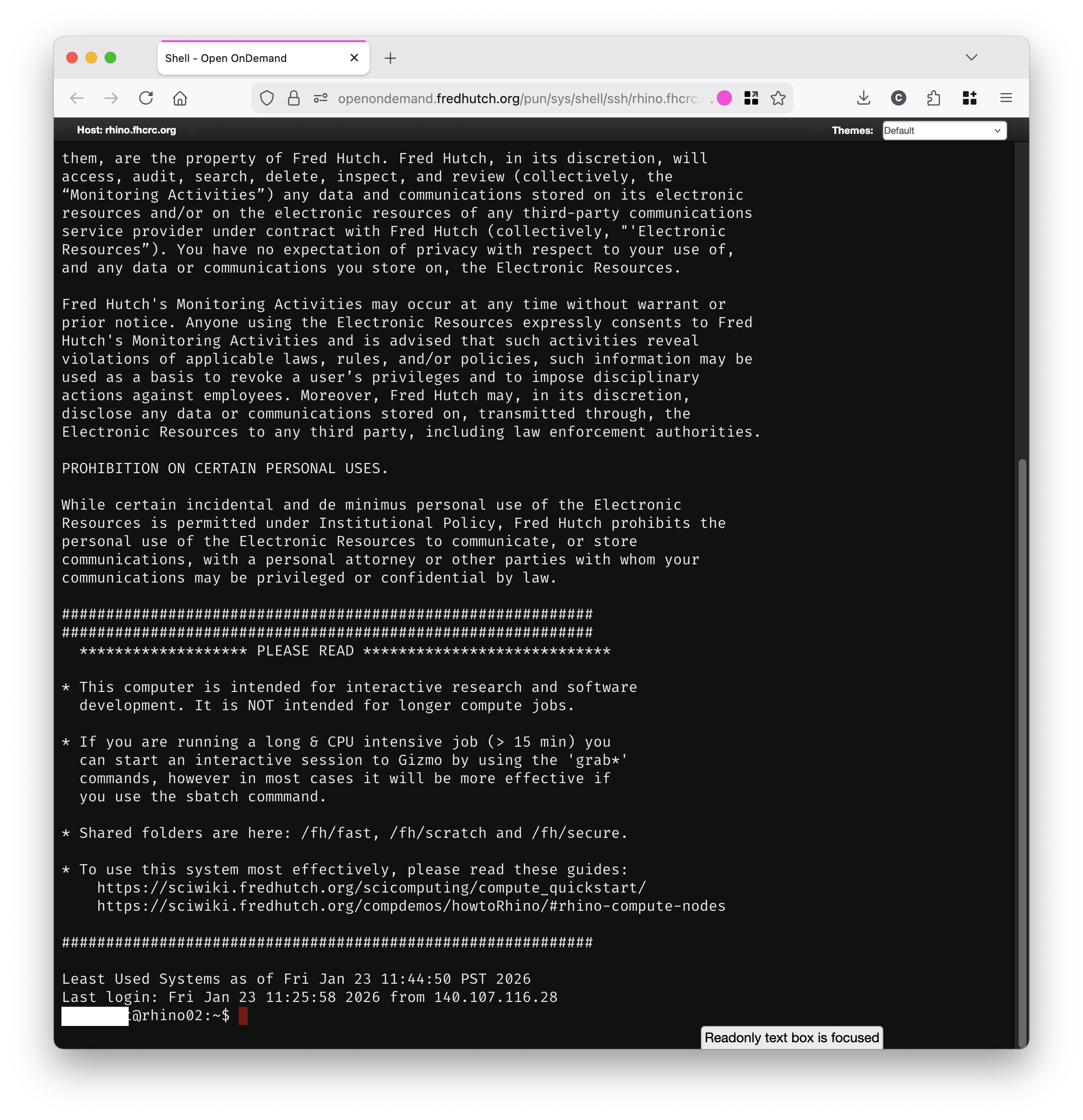
Shell Access
Open a terminal window in your browser to run command-line tools and scripts on the cluster, similar to using SSH but with zero configuration.
Shell sessions expire after a maximum of 8 hours (and may be shorter when using the Island Browser). We recommend using tmux to keep your sessions active.
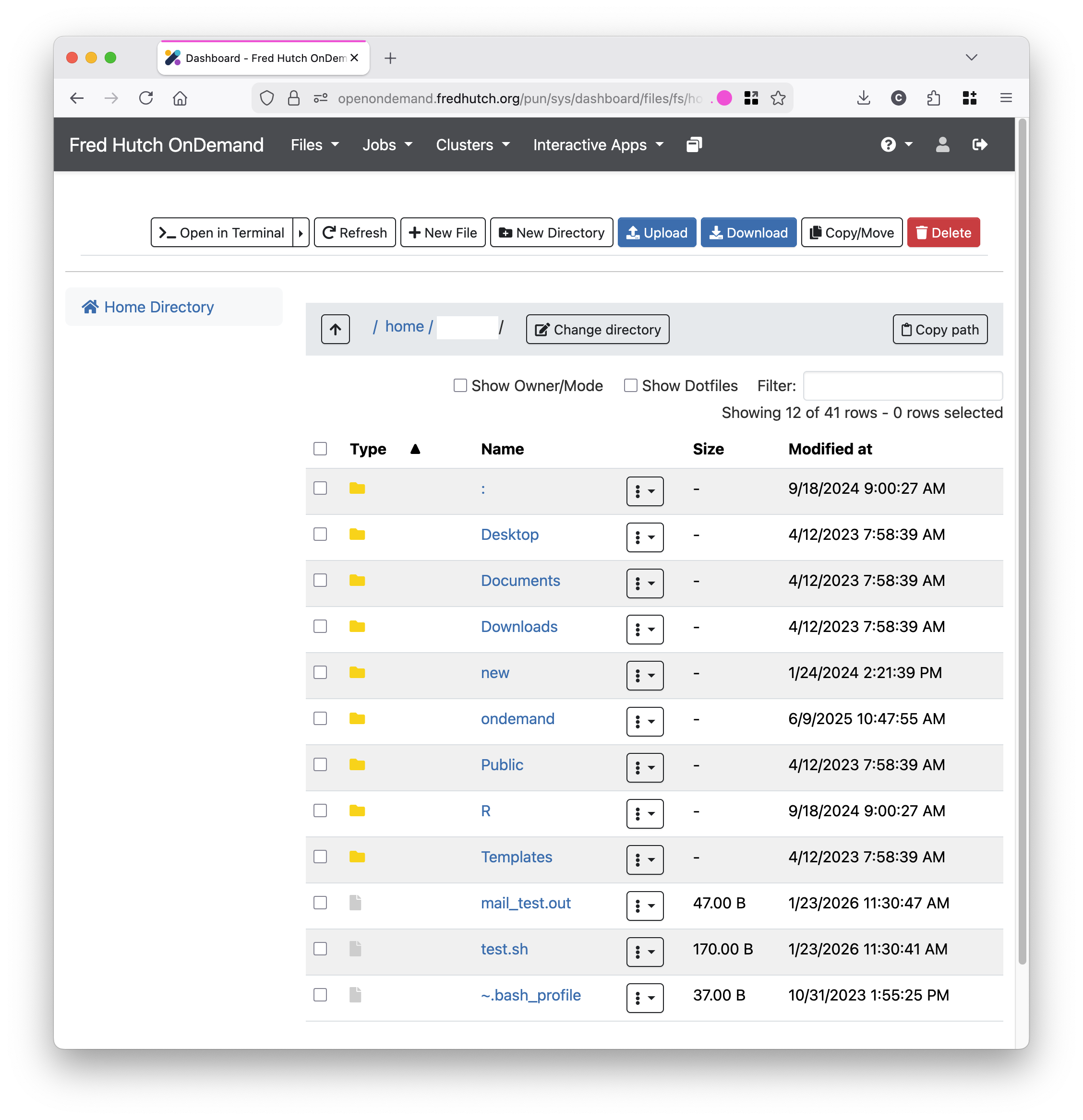
File Management
Use the File Explorer to upload, download, and organize files in cluster storage locations (including your Home directory, Fast, Temp & Working) via a drag-and-drop interface.
Note: If you are using Island Browser on a device NOT managed by Fred Hutch, there are some policy restrictions that will block access to some features in Open OnDemand like uploading/downloading files.
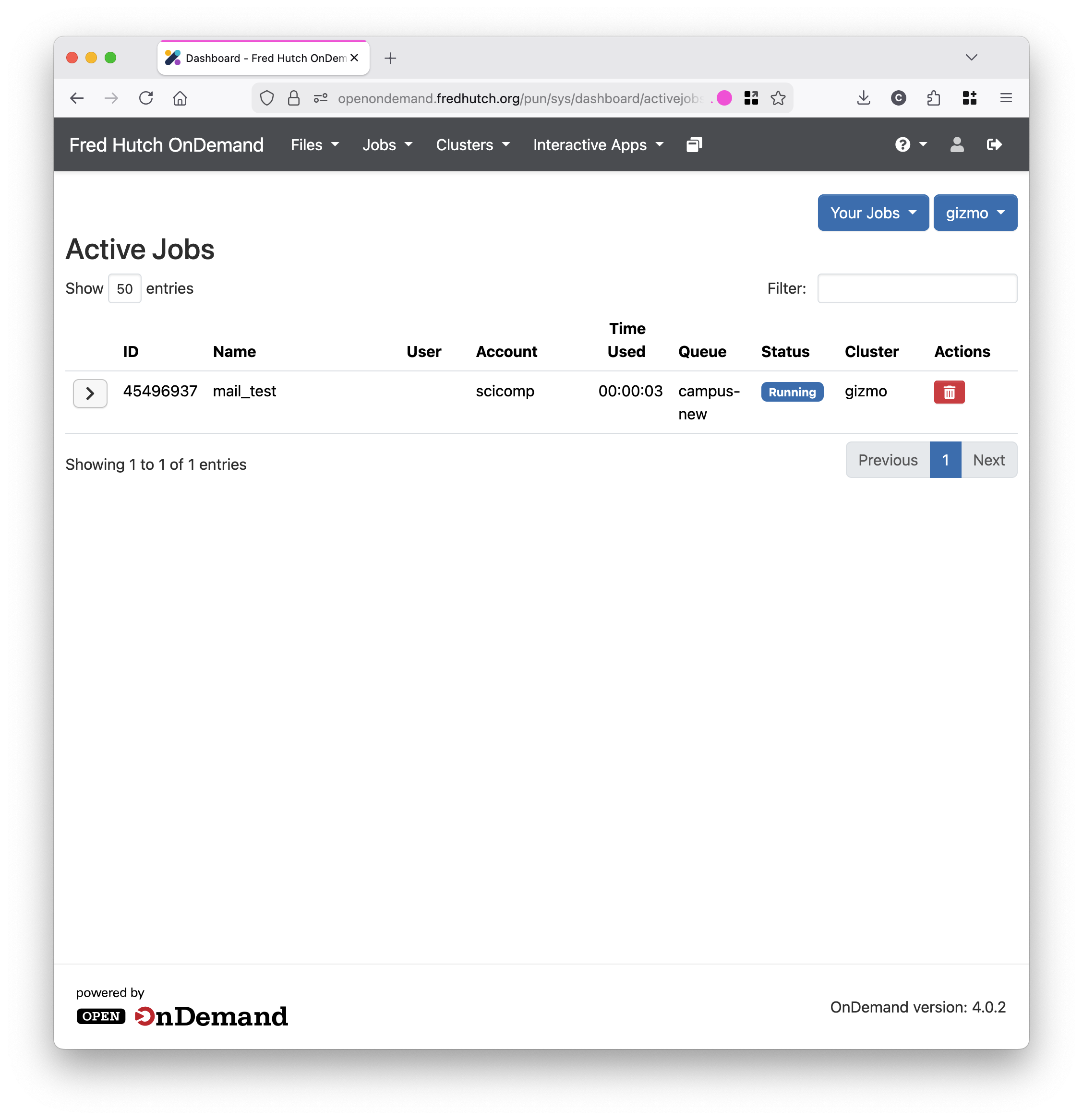
Job Management
View, monitor, and manage your active Slurm jobs through the Active Jobs dashboard.
Prerequisites
- HutchNet ID: You need a valid HutchNet ID and password.
- Cluster Access: Ensure your account is provisioned for cluster access.